Scrolling Reminder Bar
Reminders that stay visible while you stay in flow.
Glidely is a top-of-screen scrolling reminder experience—built to keep important tasks in view without taking over everything else.
One email when Glidely launches. No spam.
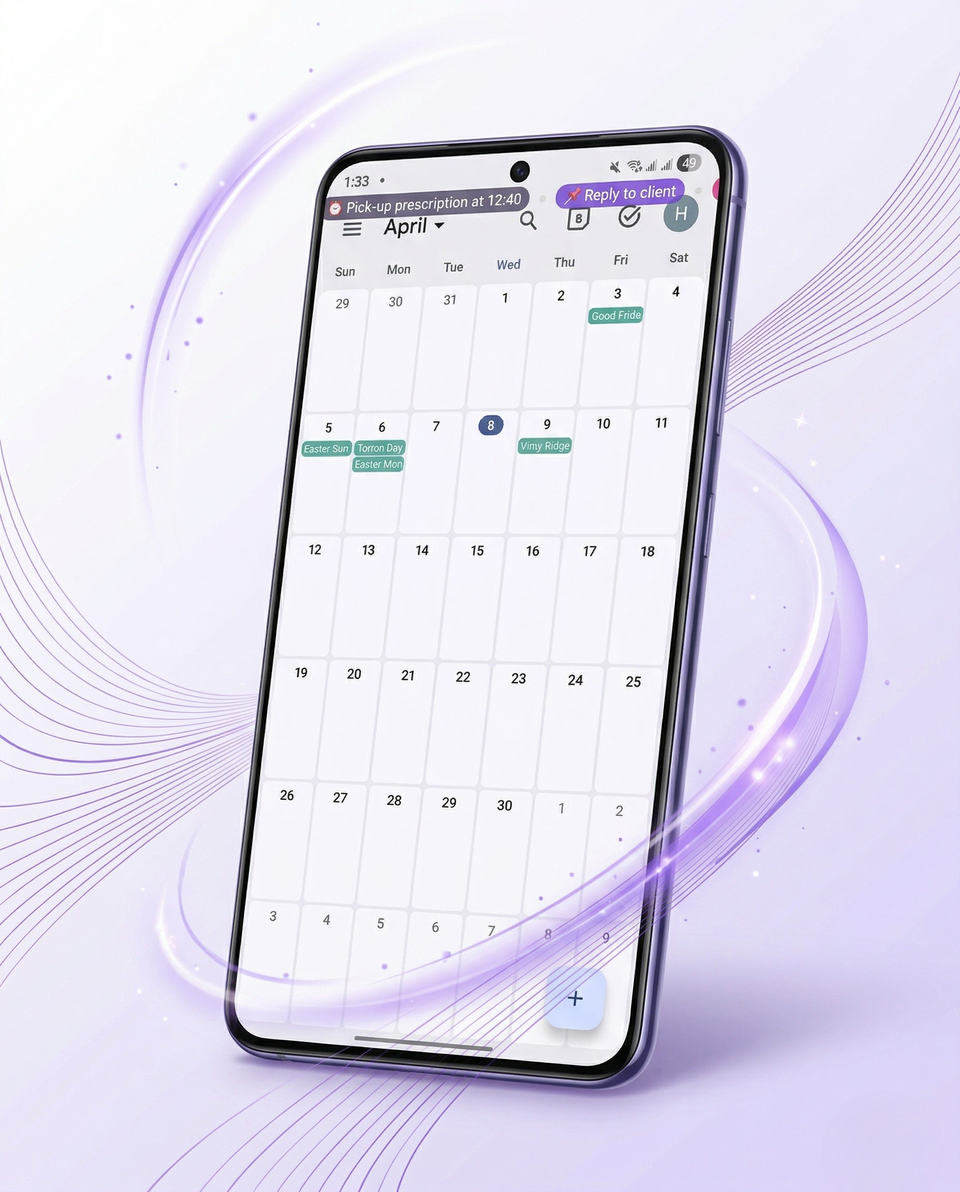
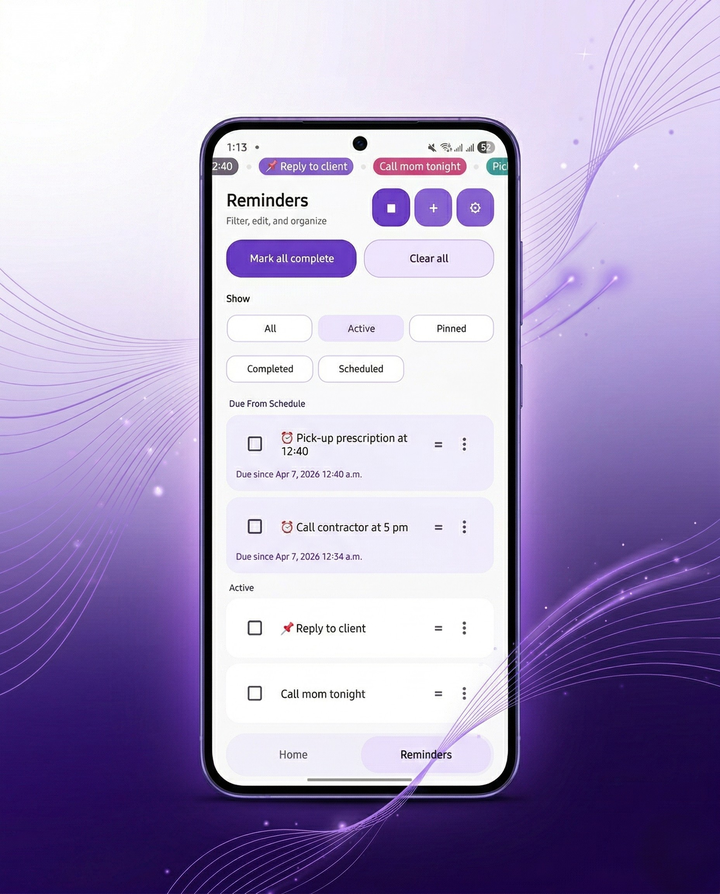
Built for visibility without friction
- In sight Important reminders stay where you can see them.
- Lightweight Updates feel fast and unobtrusive.
- Focused The experience stays simple—no noisy dashboard.
How it works
-
Add reminders
Keep a short list of what actually needs your attention.
-
Let them scroll visibly
When you want it, start the ticker so reminders stay visible above other apps.
-
Update anytime
Change items, timing, and appearance—then get back to what you were doing.
Product
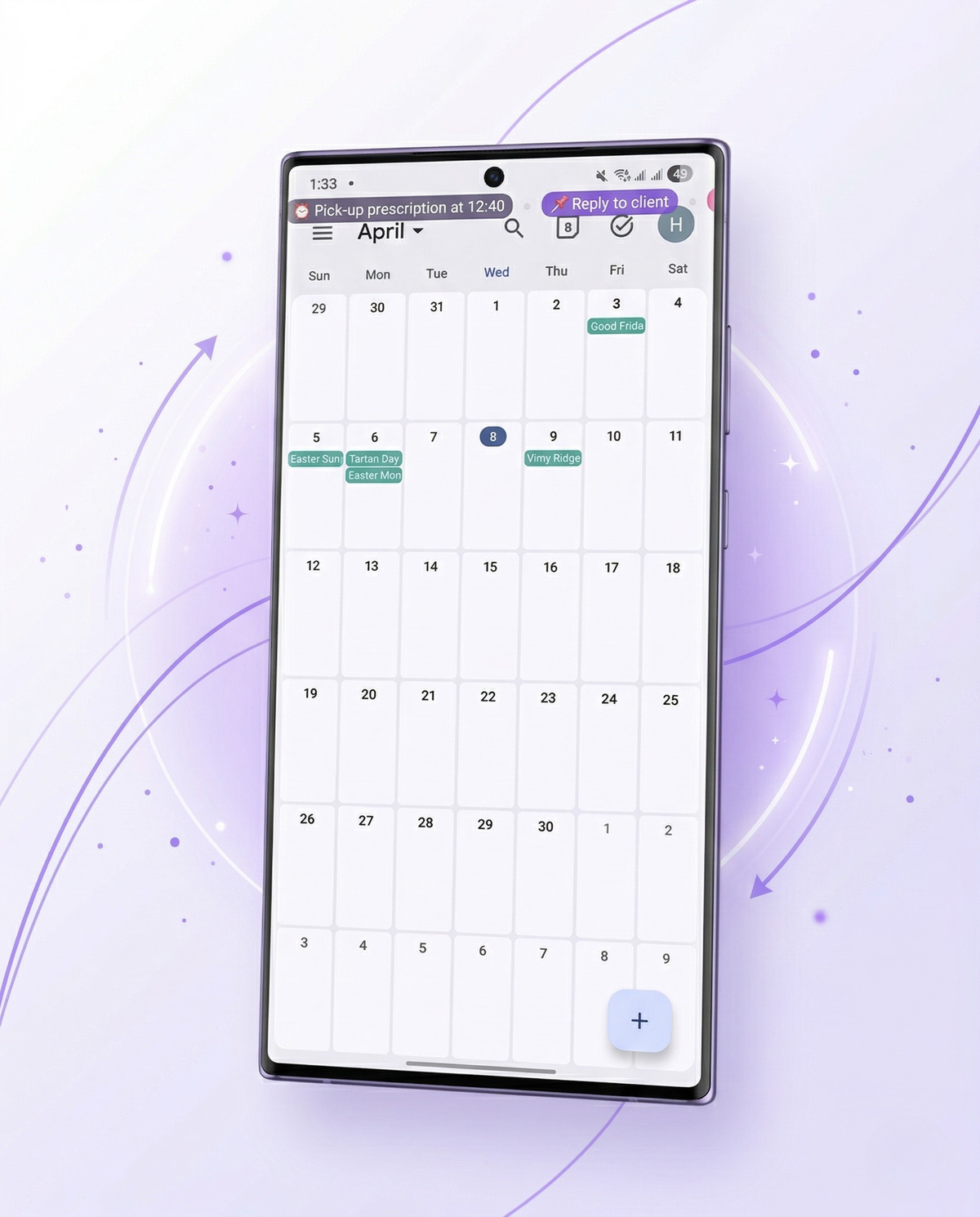
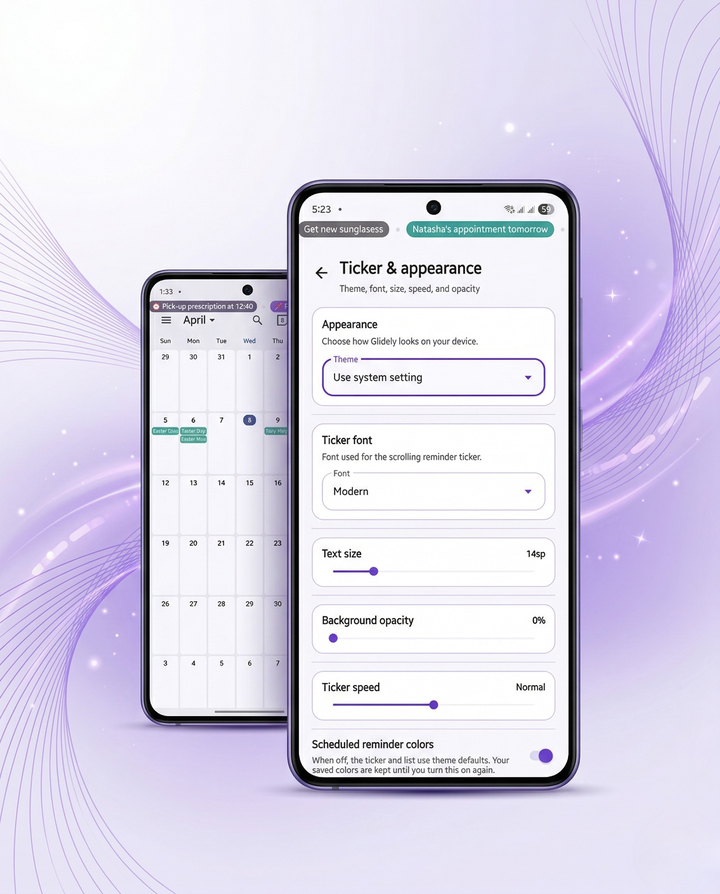
Always in view
A slim ticker at the top of the screen keeps reminders present while you read, work, or switch apps.
Product
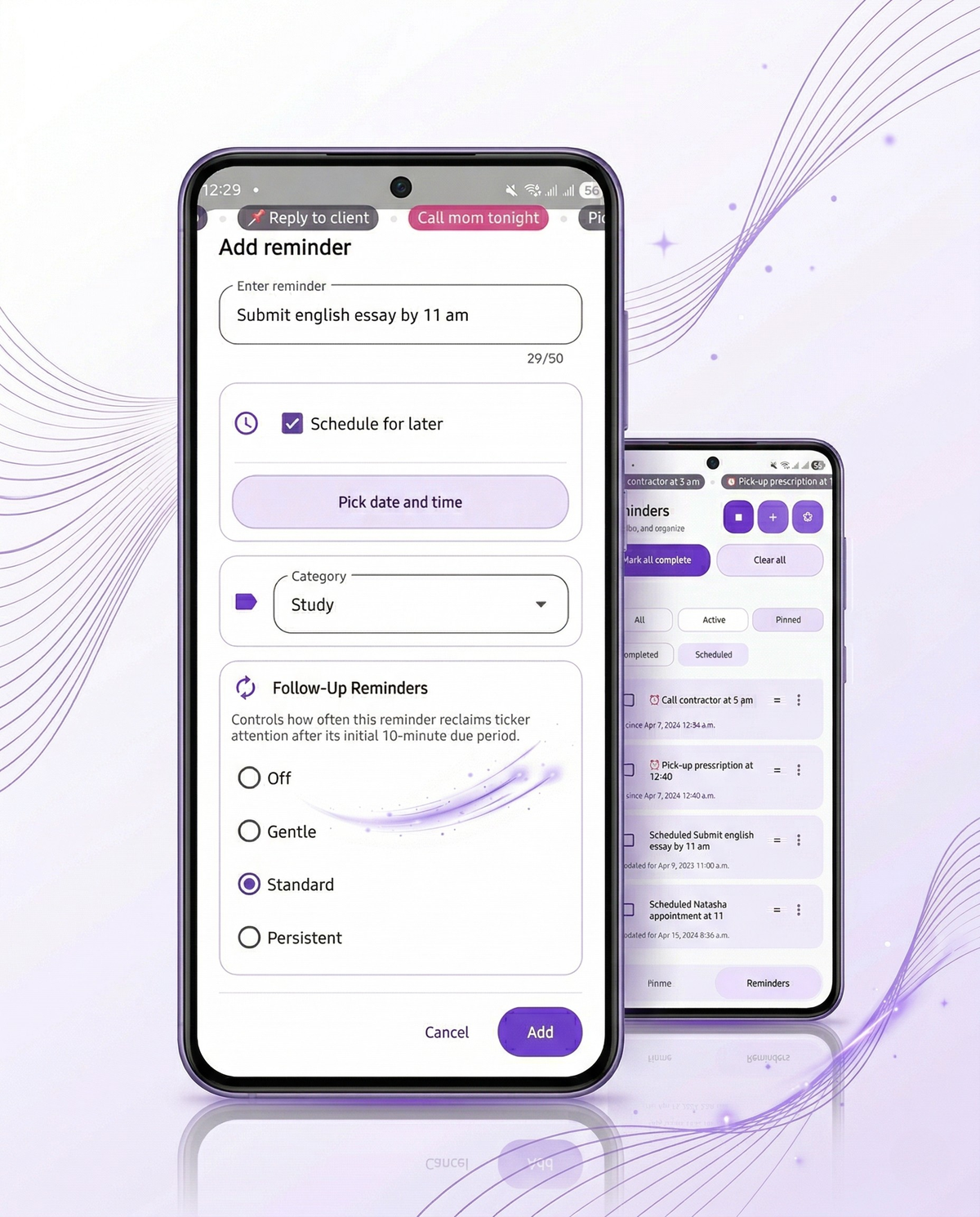
Easy to manage
One list, clear filters, and scheduling that respects how Android handles background work—honest about timing, strong on visibility.
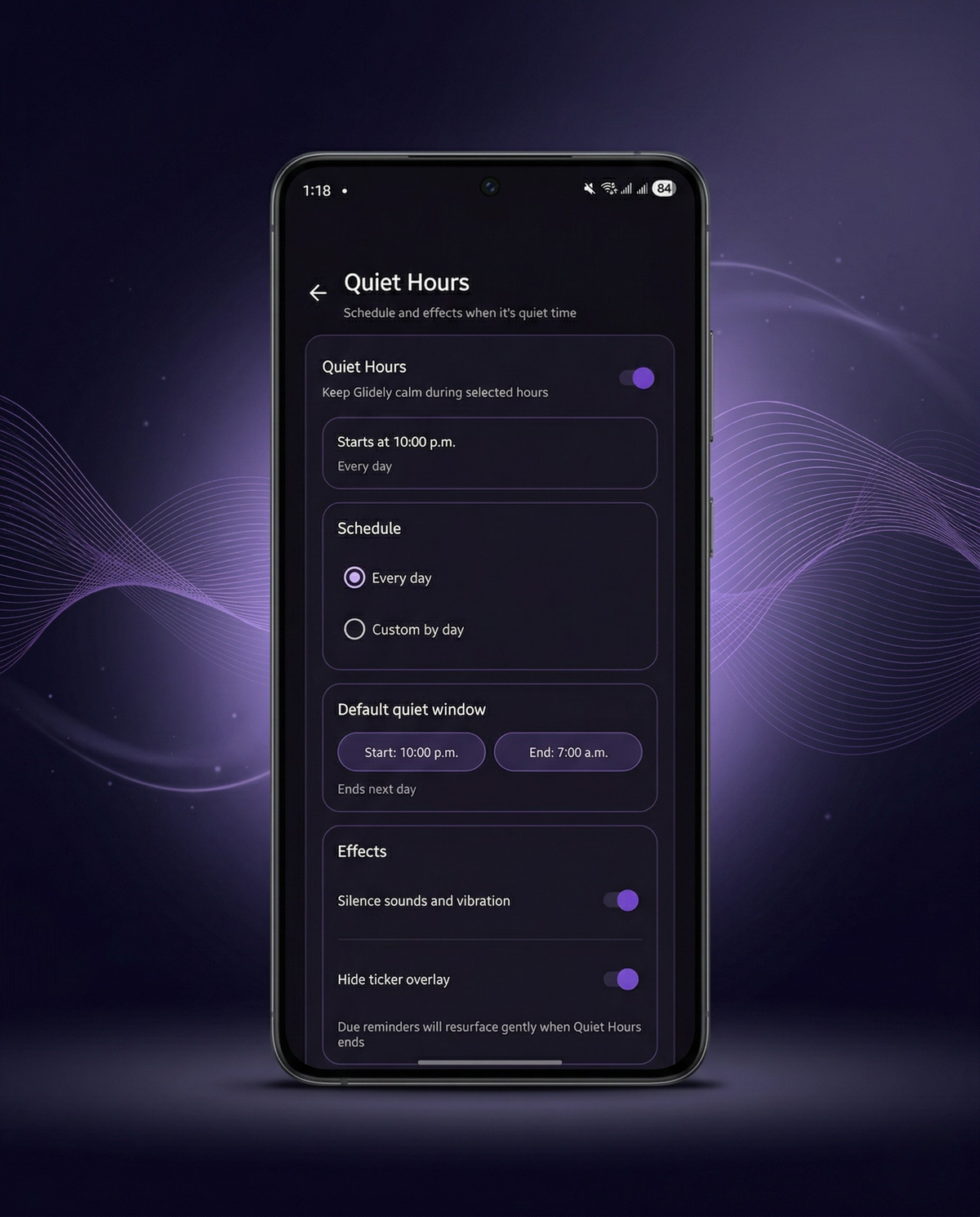
Built for focused use
Quiet Hours and automation help Glidely stay out of the way when you need calm—without losing track of what still matters.
Real-world use
Practical, not hype—places Glidely fits day to day.
Daily reminders
Errands, appointments, and small tasks you do not want to forget while you are in other apps.
Work and study
Keep a few key deadlines or checkpoints visible during deep work—without opening another list.
Ongoing prompts
Follow-ups and responsibilities that need a gentle nudge, not another notification storm.
Honest about how it behaves
Scheduling is best-effort on Android—near your chosen times, then visible as due if still open. Battery and device policies can delay background work; Glidely catches up when you open the app.
Overlay and notification permissions are required for the ticker. Reminders stay on your device with optional export/import.
Questions you might have
What platform is Glidely being built for?
Glidely is being developed for Android first. If we explore other platforms later, this page will be updated to make that clear.
Does Glidely use exact alarms?
No. Glidely uses Android’s best-effort scheduling rather than exact alarms. It aims to elevate reminders near the time you choose, then keep them visible as due if they still need attention.
Will Glidely spam me with notifications?
By default, reminder channels use low importance with no sound, and Quiet Hours and Smart Automation give you control over when the ticker is visible and when notifications should stay quiet. Follow-up reminders are optional and can be turned off or set to gentler levels.
What data does Glidely store?
Glidely stores your reminders, categories, and settings on your device and supports export/import to a portable backup file. The current design does not depend on a cloud account.
Where can I get support?
Support and questions are handled through the Contact page on this site or by email at info@rizqstack.dev.
Stay on track without breaking focus.
Visibility, simplicity, and thoughtful design—get one email when Glidely is ready, or reach out anytime.